
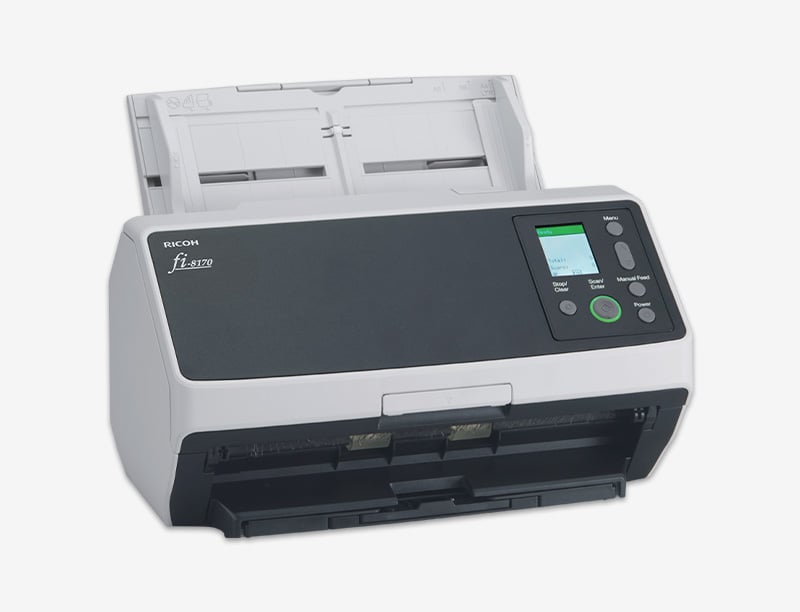
 RICOH fi series / fi-8170
Desktop duplex scanner
Ricoh fi-8170
Our pick for a dedicated card scanning setup. Capture both sides in one pass, save your images, and bring them into Card Lister for identification and listing prep.
Compare current listings, condition, included accessories, and seller warranty. Links open in a new tab.
Affiliate links. We may earn a commission when you buy through these links. As an Amazon Associate, we earn from qualifying purchases.
The details
Product specifications
- Scanner type
- Automatic document feeder and manual feed, duplex
- Document scanning speed
- Up to 70 pages / 140 images per minute at 200 or 300 dpi
- Feeder capacity
- Up to 100 sheets of A4 80 g/m² or Letter 20 lb paper
- Optical resolution
- 600 dpi
- Connection
- USB 3.2 Gen 1 and Gigabit Ethernet
- Document size
- 48 × 50 mm minimum; 215.9 × 355.6 mm maximum, standard mode
- Dimensions, W × D × H
- 11.8 × 6.7 × 6.4 in. / 300 × 170 × 163 mm, excluding trays
- Weight
- 8.8 lb / 4 kg
Manufacturer ratings are for documents. Card throughput and feeder capacity depend on card stock and scan settings. Check Ricoh's current driver support for your computer before buying.
From scanner to listing prep
Bring your scans into Card Lister.
Save card images with your scanner software, then upload them to Card Lister. Review the card match, condition, and price before preparing your listings.
Test your feeding setup with low-value cards first. For fragile, valuable, or slabbed cards, use photos instead.
Read the Card Lister guide